Recording meals
Awra gives you four ways to log a meal: take a photo, describe it by voice, type a text description, or enter macros manually. All four methods produce a calorie count and a full macro breakdown (protein, carbs, fat, fibre). You can switch between methods on the same log screen using the mode bar at the bottom.
Opening the meal log
Tap the + (centre Add button) in the bottom navigation, then select Meal. The Add Meal screen opens with the context label "Capture Your Meal." A mode bar at the bottom of the screen shows four icons — camera, mic, A (text), and a menu icon (manual). Tap any icon to switch methods.
Method 1 — Photo
Tap the camera icon in the mode bar. Point your camera at your meal and take a photo. Awra's AI analyses the image and automatically extracts an estimate of the calories and macros. Review the extracted values, then tap Submit.
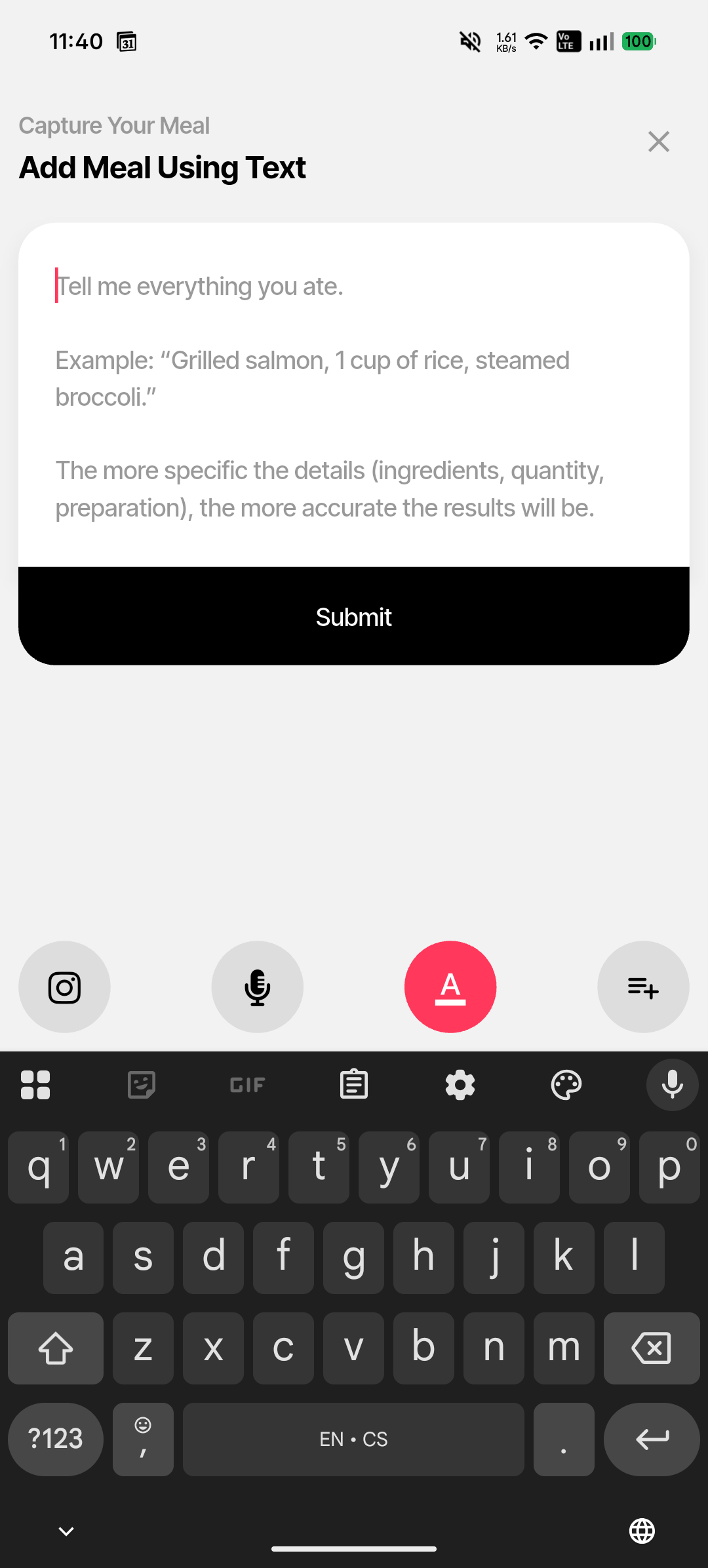
Text entry mode
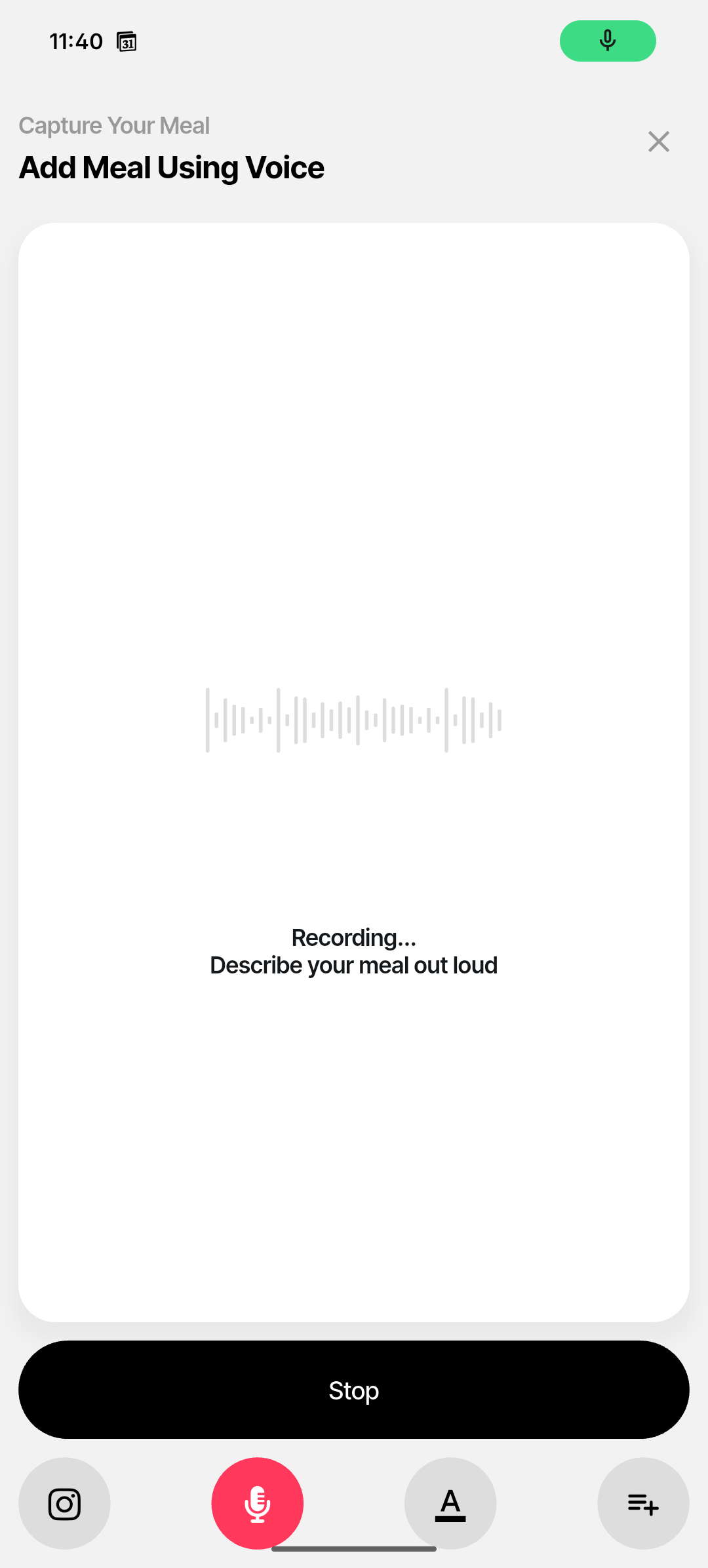
Voice recording mode
Method 2 — Voice
Tap the mic icon in the mode bar. The screen switches to a full-screen recording canvas with an audio waveform. The status reads "Recording… / Describe your meal out loud." Speak a description of your meal — be specific about portions, cooking methods, and ingredients. Tap Stop when done. Awra transcribes and analyses your description to extract macros.
Voice tips for better accuracy
Say quantities (e.g. "two eggs", "150g chicken breast"), cooking method (grilled, fried, boiled), and any sauces or toppings. The more specific you are, the more accurate the macro extraction.
Method 3 — Text
Tap the A icon in the mode bar. A large text area opens with the heading "Add Meal Using Text" and the placeholder prompt "Tell me everything you ate." Type a description of your meal — including ingredients, portions, and preparation method — then tap Submit.
Text entry is useful when you know exactly what you ate and want a precise description. It works well for tracking home-cooked meals from recipes or meals at restaurants where you know the ingredients.
Method 4 — Manual entry
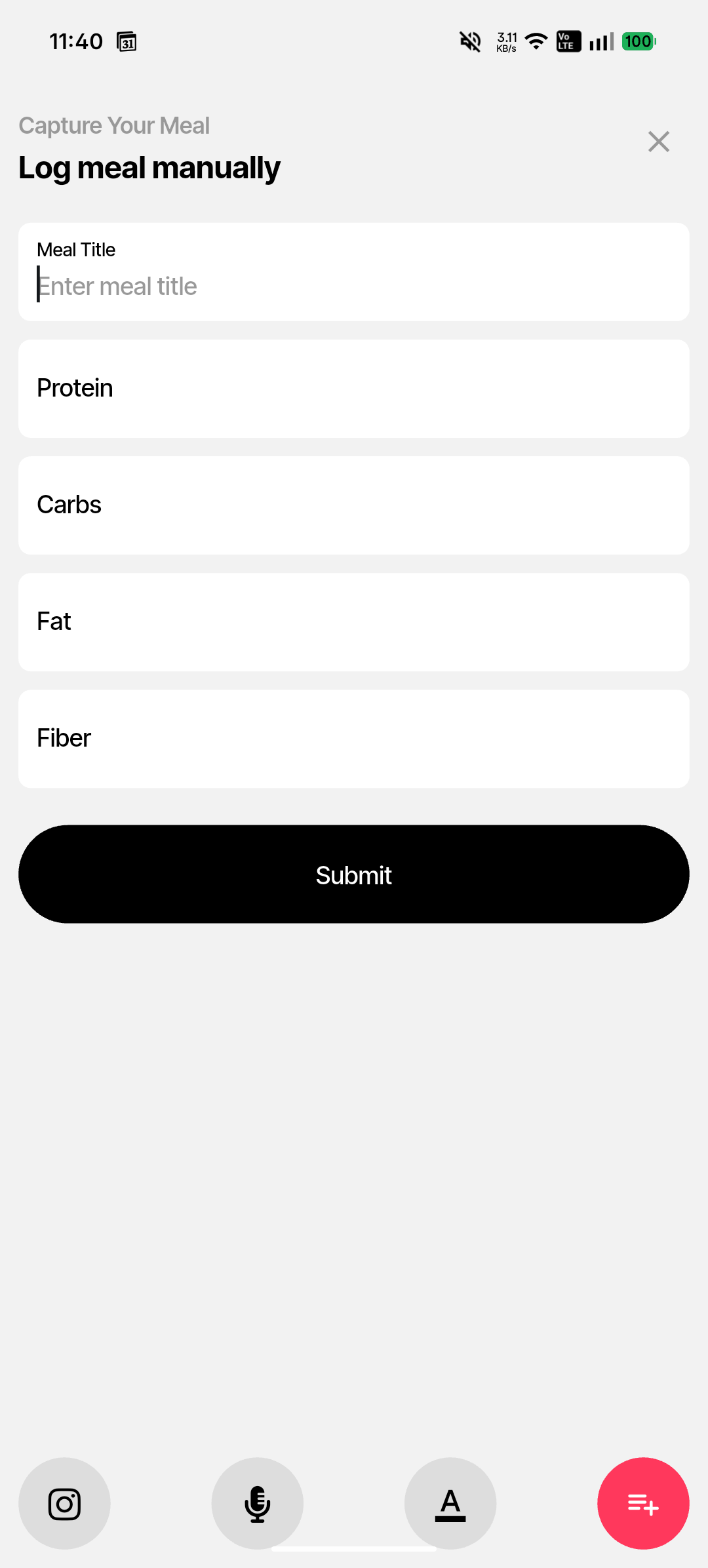
Tap the menu icon (≡) in the mode bar. The heading reads "Log meal manually." A form appears with fields for:
- 1 Meal Title — a name for this entry (e.g. "Oatmeal with fruit").
- 2 Protein — grams of protein.
- 3 Carbs — grams of carbohydrates.
- 4 Fat — grams of fat.
- 5 Fiber — grams of dietary fibre.
Tap Submit to save. Awra calculates calories automatically from the macro values you entered (protein × 4 kcal, carbs × 4 kcal, fat × 9 kcal, fibre × 2 kcal).
After logging a meal
Once submitted, the meal appears in the Meals screen for today. Your Home screen will update the calorie count and macro tiles. The Nutrition Balance Score in Stats reflects the new entry.